
Tap into your greatest asset and biggest differentiator. You.
Covideo is the sales enablement tool that puts your people front and center. Because people want to do business with people.
Open doors faster
 Open doors faster
trust and rapport with prospects and customers
from the start. Say goodbye to the string of
dreaded “just following up” emails.
 Share Your Story
Seeing is believing
As champions of video, we know the power of “show & tell.” Enter your email and we’ll send you an example Covideo sent straight to your inbox!
The #1 Video Messaging Tool for 10,000+ Brands
You’re in good company! Join industry leaders like these that use Covideo to increase conversions and sales.









Actions speak louder than words.
Customer reviews do, too.

Record your first video in minutes.
Boost results instantly.
With Covideo you can record and send quick, personalized videos that help your team convert more leads, shorten the sales cycle, and close more deals.

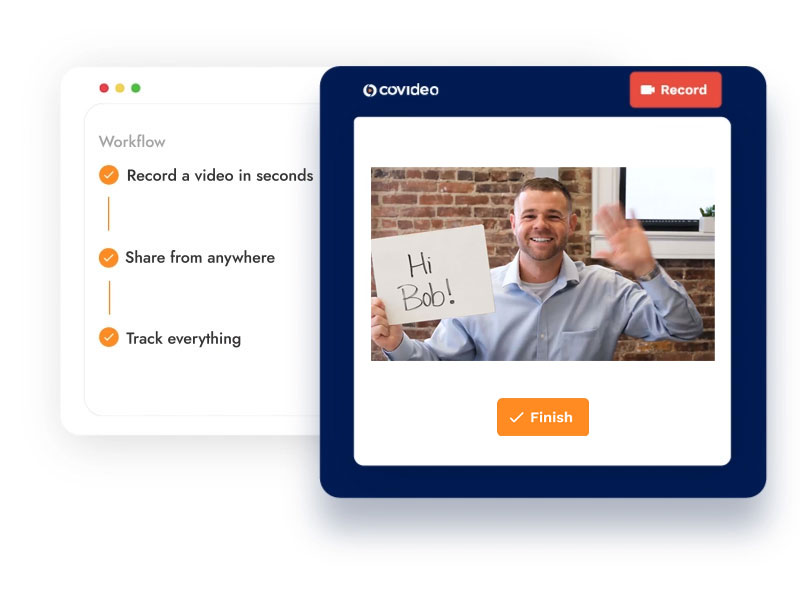
Record with a click
Record videos with the Covideo web or mobile app, or upload existing videos. Capture your screen with the screen recorder, and scale your outreach by merging personalized intros with ready-to-use videos.

Customize endlessly
Create branded video landing pages to house your videos, and add calls-to-action to drive engagement and next steps. Include auto-generated video captions and transitions for extra accessibility.

Share from anywhere
Share your videos through email, SMS, your CRM or social media. Or, leverage one of Covideo’s many integrations with popular platforms like Gmail, Outlook, Salesforce, Hubspot, Zoom and more.

Track everything
Monitor views with notifications that come straight to your inbox. Track engagement with in-depth analytics on opens, clicks and more. Use admin reporting for a 30,000 foot view of your team’s activity.
